Swipe Roll

iPhone cluttered
with photos?
Swipe Roll fixes it.

Space back fast, backup included.

See how it works

See how it works

iPhoneAbout 1 GB left

Clean your gallery
month by month.

  • Try it: swipe the photo

Next

The photo deck for July 2025, ready to swipeA photo swiped right, with a green Keep labelA photo swiped left, with a coral Mark label
iPhoneAbout 1 GB left

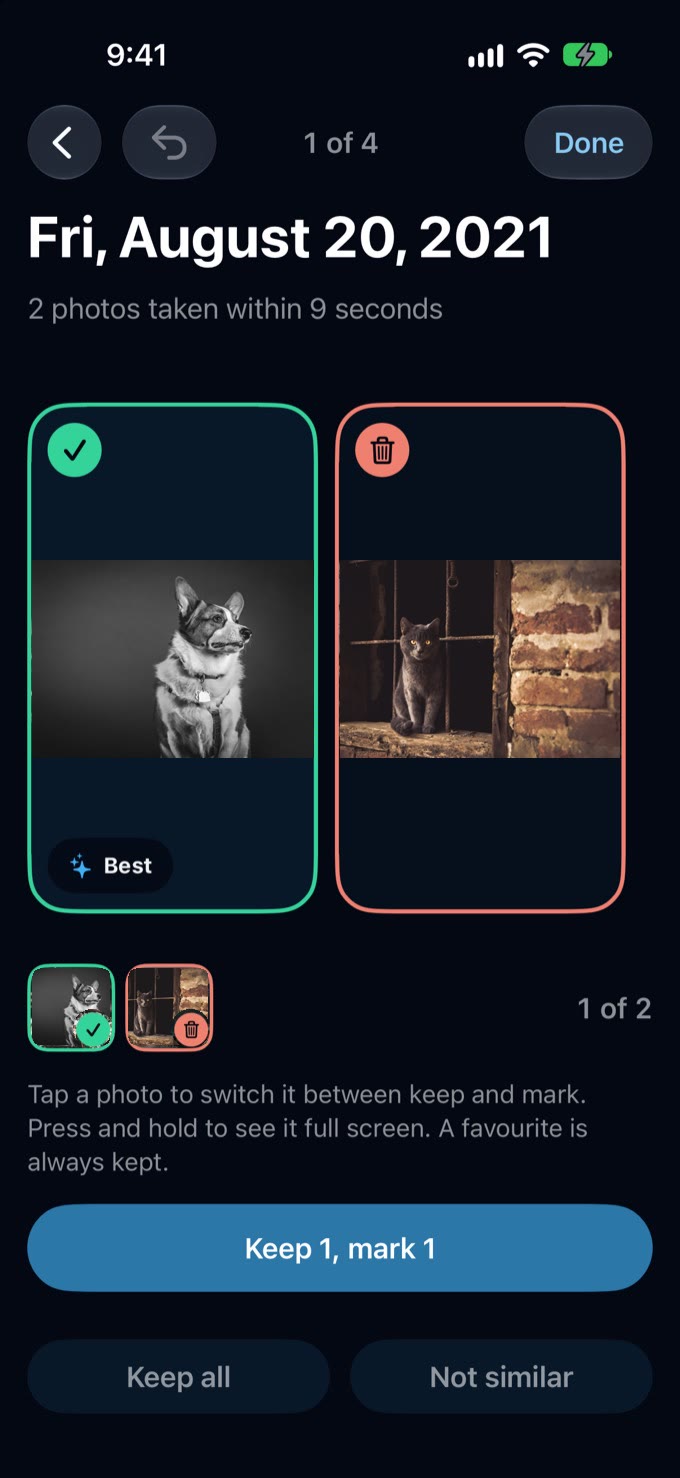
Too many look-alikes?
Keep only the best.

  • Tap the ones to keep

Next

Similar photos grouped together so you can keep the best one
iPhoneAbout 1 GB left

Into the bin,
when you say so.

  • Tap a photo to keep it

Next

Review of July 2025: 43 photos and videos, 59 GB marked for deletion
iPhoneAbout 1 GB left

Congratulations.
You saved about 60 GB.

  • Space really back on your iPhone

Next: back up

July 2025 is clean: 59 GB cleaned, saved once Recently Deleted is emptied
iPhoneAbout 61 GB left

A copy on
your own drive.

  • Every file read back and checked

Next

A backup copying files and checking themThe backup finished, every file checked
  1. Copied to your drive
  2. Read back
  3. Matched
iPhoneAbout 61 GB left

Free up,
then keep going.

  • Only after a checked backup

Next

The Free up sheet for May 2026, warning that the drive becomes the only copy
iPhoneAbout 109 GB left

Full privacy.

  • No account, no tracking, no ads
The Privacy page in Settings: no servers, no account
iPhoneAbout 109 GB left

Less clutter.
More memories.

The Home screen: 5,606 photos and videos and a streak of 83 months

Download for free

iPhoneAbout 109 GB left